Cookies & Privacy
Introduction
Welcome to SadaList, your trusted Local Business Directory. This policy explains how we collect, use, and protect your person... Cookie Policy
Let's uncover the best places to eat, drink, and shop nearest to you.
Explore the best listing categories near you. You won’t be disappointed.
Explore the best listings near you. You won’t be disappointed.

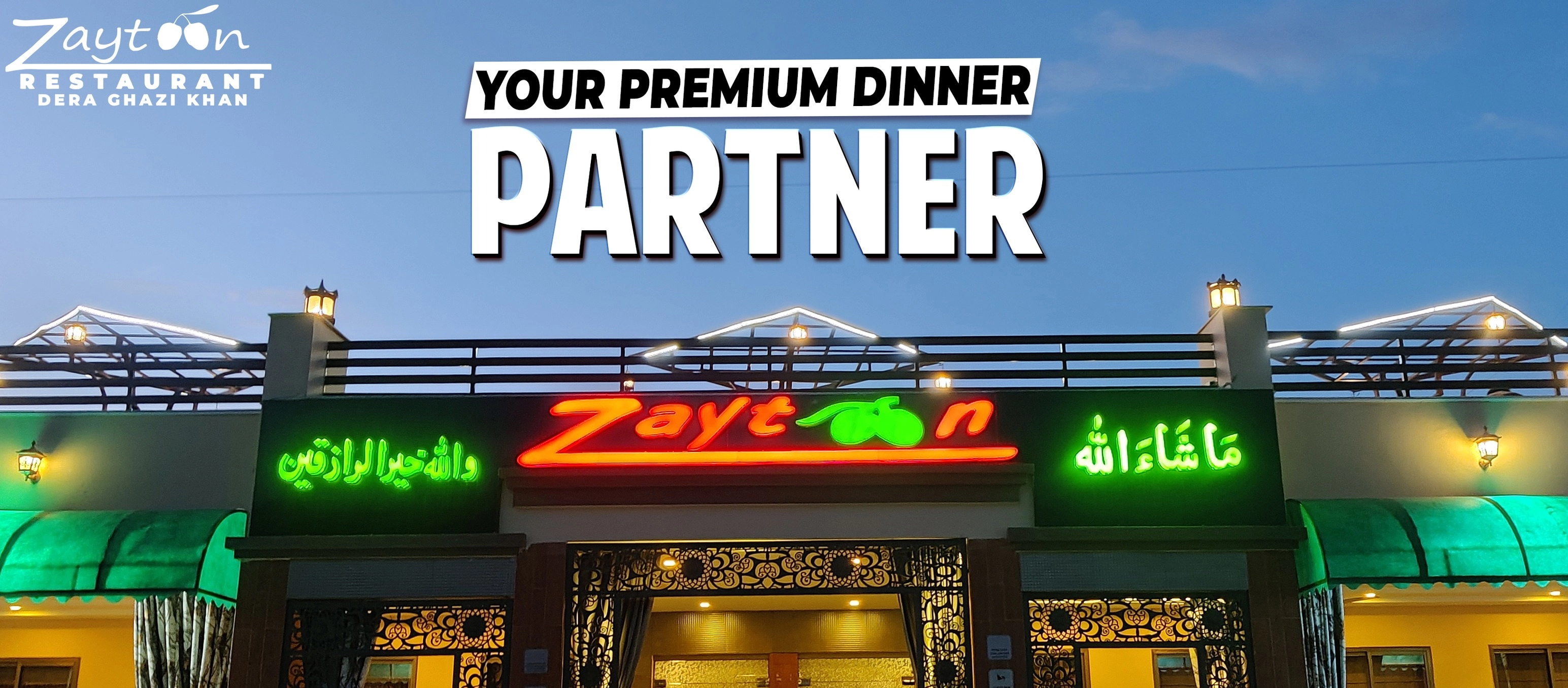
Category : Cafe & Restaurants
Dera Ghazi Khan, Punjab, Pakistan
03362596565
13 Oct 2025
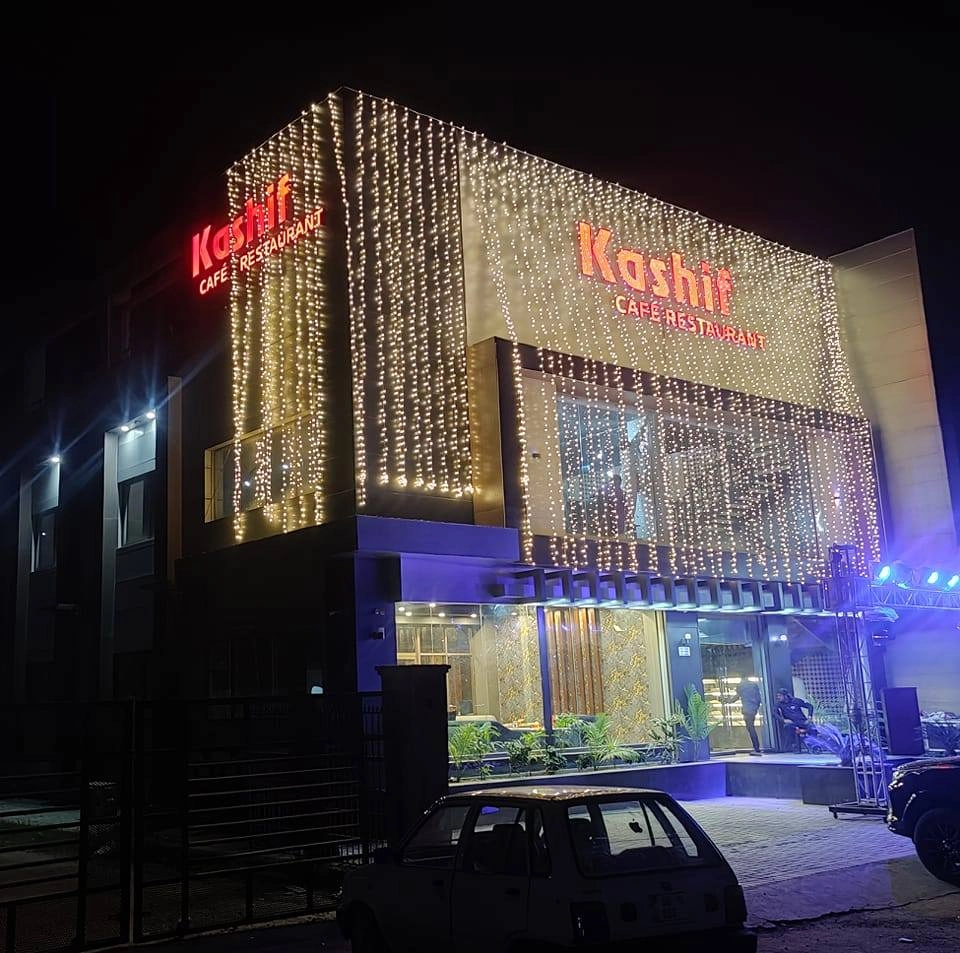
Category : Cafe & Restaurants
Dera Ghazi Khan, Punjab, Pakistan
03026777908
13 Oct 2025
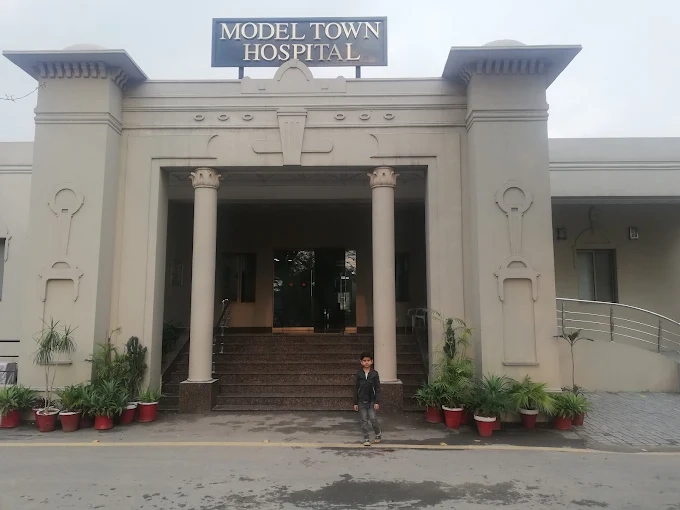
Category : Cafe & Restaurants
Dera Ghazi Khan, Punjab, Pakistan
064 2401755
11 Oct 2025
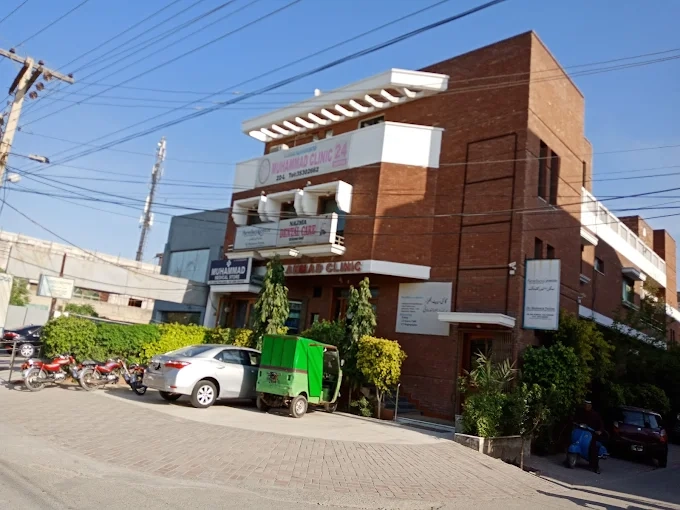
Category : Hospitals
Lahore, Punjab, Pakistan
(042) 35915336
17 Nov 2025
Category : Hospitals
Lahore, Punjab, Pakistan
0323 4896387
17 Nov 2025
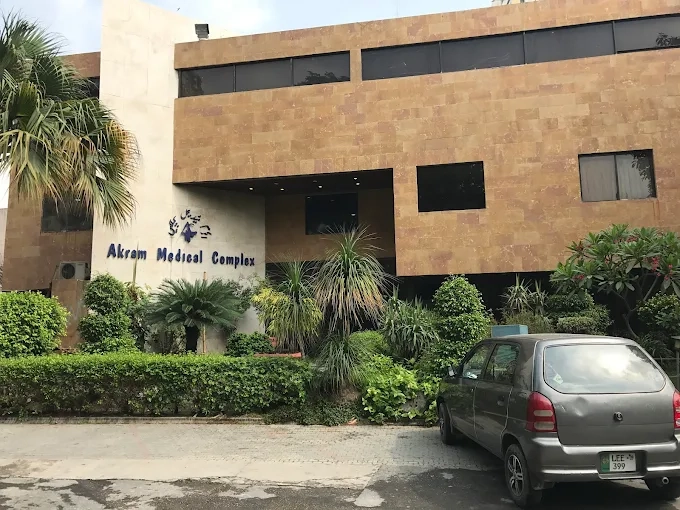
Category : Hospitals
Lahore, Punjab, Pakistan
0300 8400619
17 Nov 2025
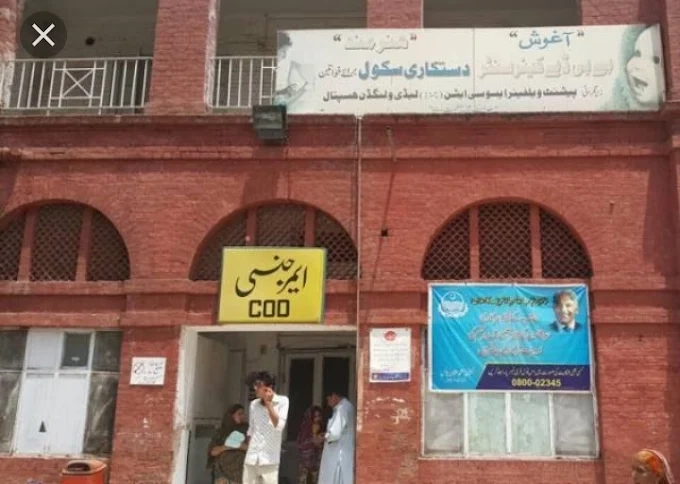
Category : Hospitals
Lahore, Punjab, Pakistan
(042) 37659001
17 Nov 2025
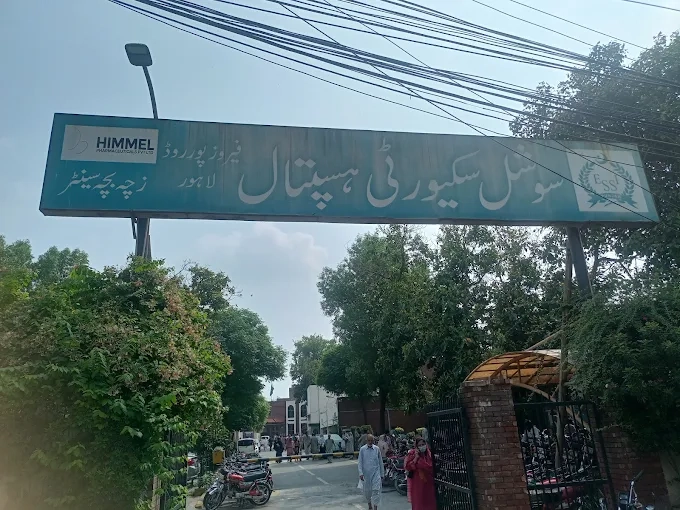
Category : Hospitals
Lahore, Punjab, Pakistan
(042) 99230227
17 Nov 2025
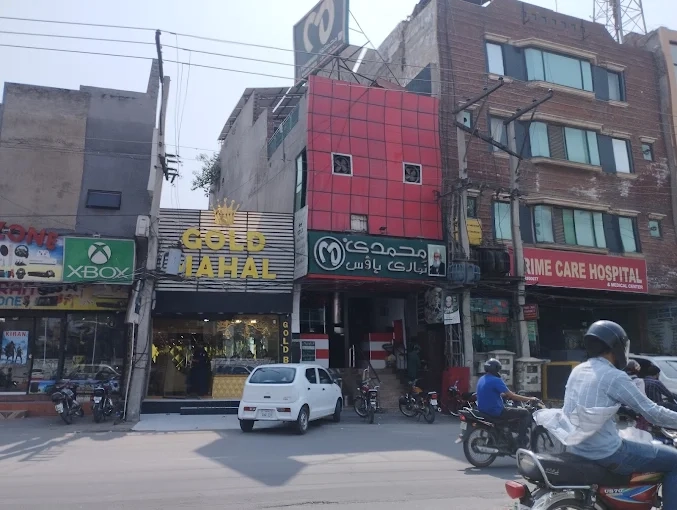
Category : Hospitals
Lahore, Punjab, Pakistan
0332 8997814
17 Nov 2025
First, register your account and select a package in the pricing section. Then you can start listing your businesses.
A user need to register in ListPlace by filling up very few details.
A user needs to purchase a package to add a listing
After purchasing a package users can enlist their business easily.


We help businesses set clear goals and create professional listings to grow their presence on our directory.
This directory made it very easy to list my business and reach new customers. The process was simple, and my listing started getting calls within a few days. Highly recommended for local businesses!

Dera Ghazi Khan, Punjab, Pakistan
Adding my boutique to this directory was quick and simple. I’ve started getting more customer inquiries since listing. A very useful platform for growing local businesses!

Faisalabad, Punjab, Pakistan
I listed my electronics shop on this directory and noticed an increase in calls within a week. The site is professional and helps customers find us easily. Great support for business owners!

Karachi, Sindh, Pakistan
Listing my café here was one of the best decisions. The platform is user-friendly, and I started getting regular customers who found us through the directory. Highly satisfied with the results!

Peshawar, Khyber Pakhtunkhwa, Pakistan


Our FAQs section helps business owners understand how to list, update, and manage their profiles on our directory. You’ll find quick answers about registration, packages, approvals, and listing updates to make the process simple and clear.
This directory is designed to help you find and connect with various businesses, services, and organizations. You can easily browse through categories and quickly find the information you need.
Go to the pricing section, create an account, choose a package, and submit your business details.
We offer both free and premium listing options. Basic listings are free, while premium packages provide extra benefits like better visibility, detailed descriptions, and highlighted placement. Visit the “Pricing” page to explore all available plans.
To list your business, click the “Add Your Business” button on the homepage. Fill in your business name, contact details, category, and a short description. Once submitted, our team will review your information, and after approval, your listing will go live in the directory.
Use the search bar at the top of the website to find businesses by name, keyword, or category. You can also filter results by location or other options to refine your search. If you’re exploring, browse through the categories to discover new local businesses and services.
To update your listing, log in to your account and go to “My Listings.” You can edit your details, change categories, or add more information anytime. If you face any issues, our support team is always ready to help.
If you see any wrong or outdated details, click the “Report” button on the listing or contact our support team. We’ll review your report and update the information as soon as possible.
Usually within 24 hours after submitting all required information.
Let's discover the best places to eat, drink, and shop nearest to you.
 Business Tips
Local SEO helps your business appear when people nearby search for your products or services. Whether you run a café, salon, or store, optimizing your business listing can bring more local customers. Here’s how you can do it easily.
Local SEO helps your business show up when someone searches for “restaurant near me” or “shop in Lahore.” It builds trust and helps more people discover your business in your area.
Make sure you claim and verify your business listing on the directory. Verified listings look more trusted to both search engines and visitors. Complete the verification step to start improving your ranking.
Keep your business name, address, and phone number the same everywhere — on your website, social media, and directory. Even small mistakes can confuse search engines and affect your visibility.
Describe your business in easy words. Tell people what you do, where you are, and what makes you special. Add your city or area name to help your listing appear in local searches.
Example: “Zaytoon Restaurant in Dera Ghazi Khan offers delicious Pakistani food with dine-in and takeaway service.”
Pick the correct category for your business. For example, if you run a salon, select “Beauty Salon” instead of just “Services.” This helps visitors find you faster.
Good photos make your listing look professional and attract more visitors. Add pictures of your shop, products, or staff. You can also include a short video to give people a better idea of your place.
Ask happy customers to leave reviews. Reviews build trust and help your business rank higher in local searches. Reply to every review politely to show that you care about your customers.
Always keep your details correct. Update your phone number, working hours, and address if anything changes. This helps customers reach you easily and avoids confusion.
When writing about your business, use simple location words like your city or area name. For example, “Best bakery in Faisalabad” or “Top plumber in Multan.” This helps your business show up in nearby searches.
Include a Google Map of your location and make your phone number clickable so customers can call you directly. It makes your listing more useful and easy to reach.
Look at your stats to see how many people viewed or clicked your listing. This helps you understand what’s working and what needs improvement.
Optimizing your business listing for local SEO helps people in your area find and trust you. Keep your details correct, collect reviews, and stay active. Small updates can bring big results over time.
Welcome to SadaList, your trusted Local Business Directory. This policy explains how we collect, use, and protect your person... Cookie Policy

For more listing offer